

One record. From first look to final report.
Research, applications and reporting belong to the same story. Grant Pursuit carries the context across each handoff.
Request a demoSee what carries into the next step.
Follow fictional animal-welfare grant work through the interface. Each view shows a different decision or handoff.
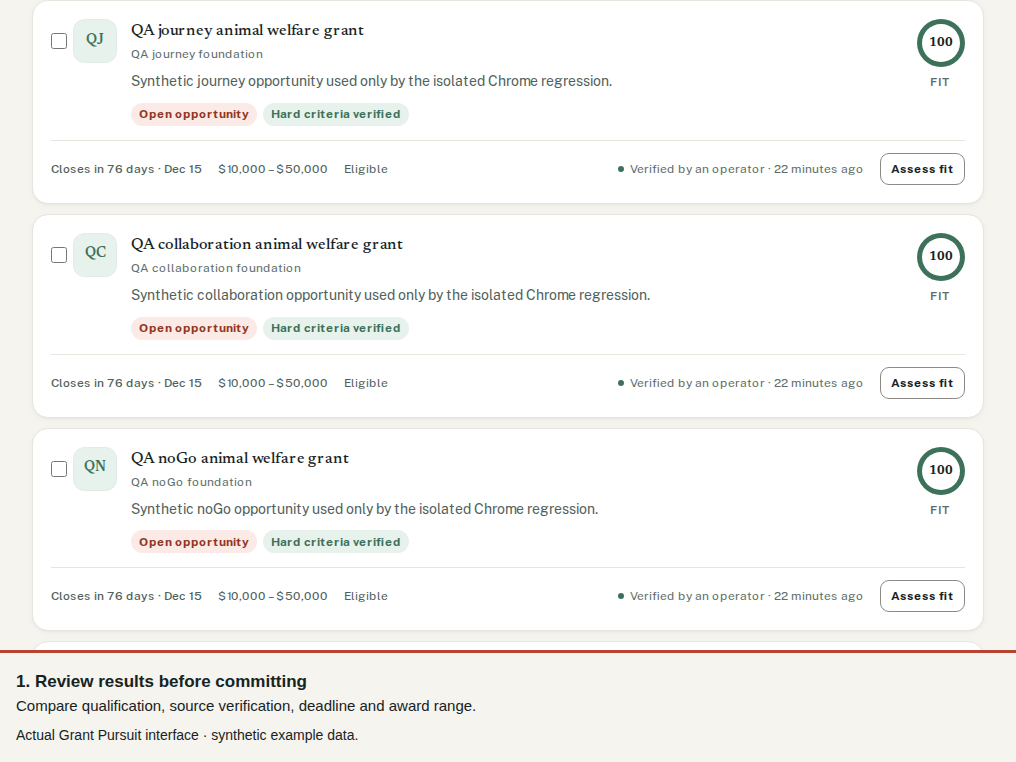
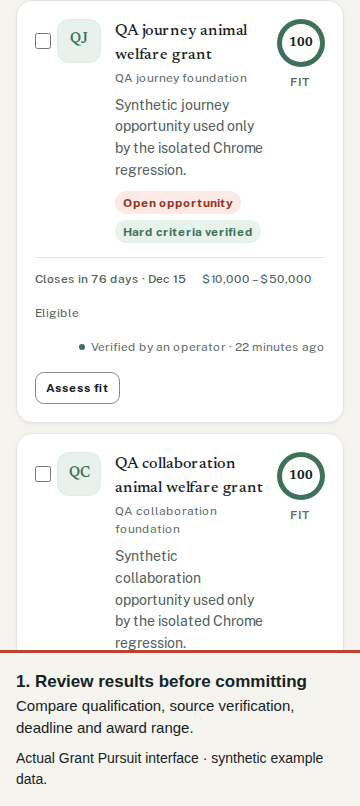
Qualification, source verification, deadlines and award ranges can be compared before a team commits. These fictional records are private opportunities.
Open full-size desktop discovery results →Open full-size mobile discovery results →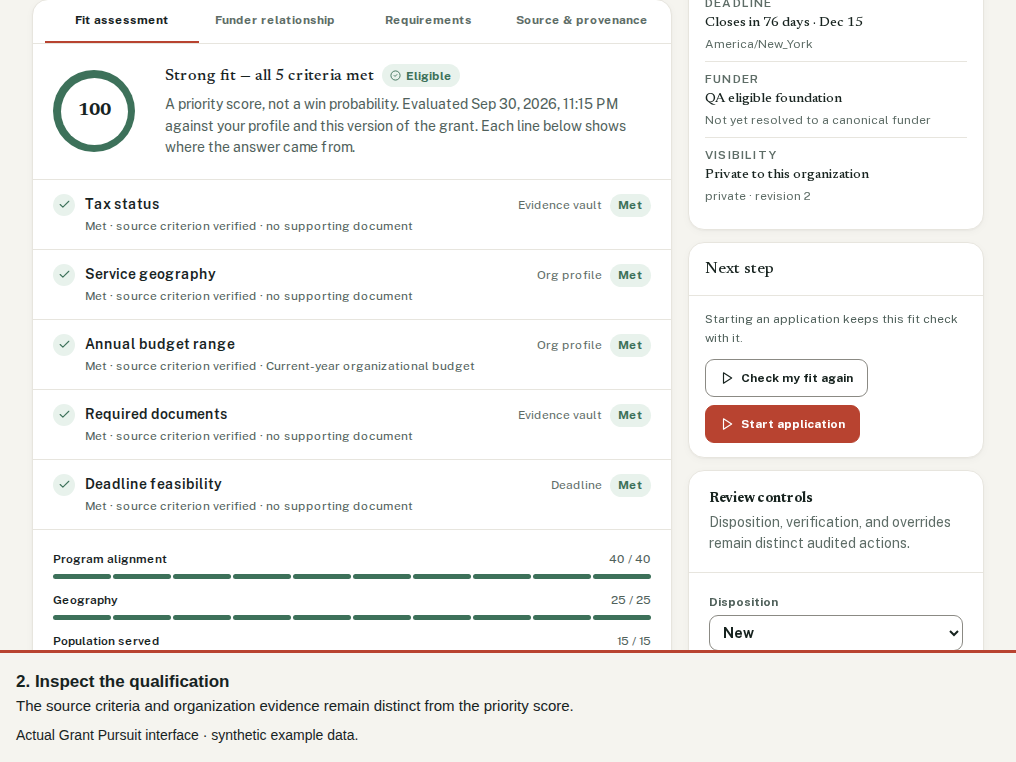
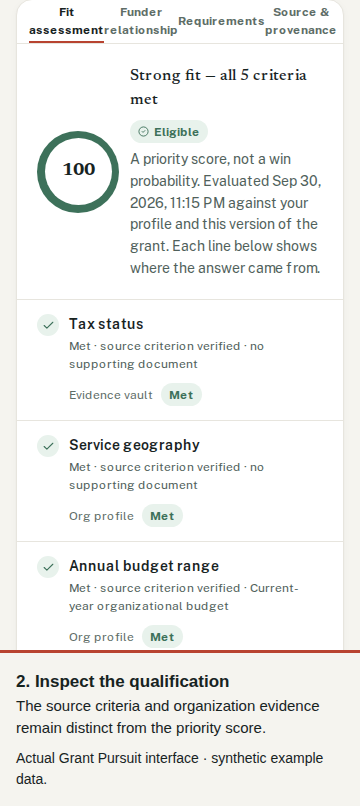
The example separates source criteria from organization evidence. Its 100 score is a priority score, not a funding prediction; source dates and versions still need review.
Open full-size desktop source and qualification detail →Open full-size mobile source and qualification detail →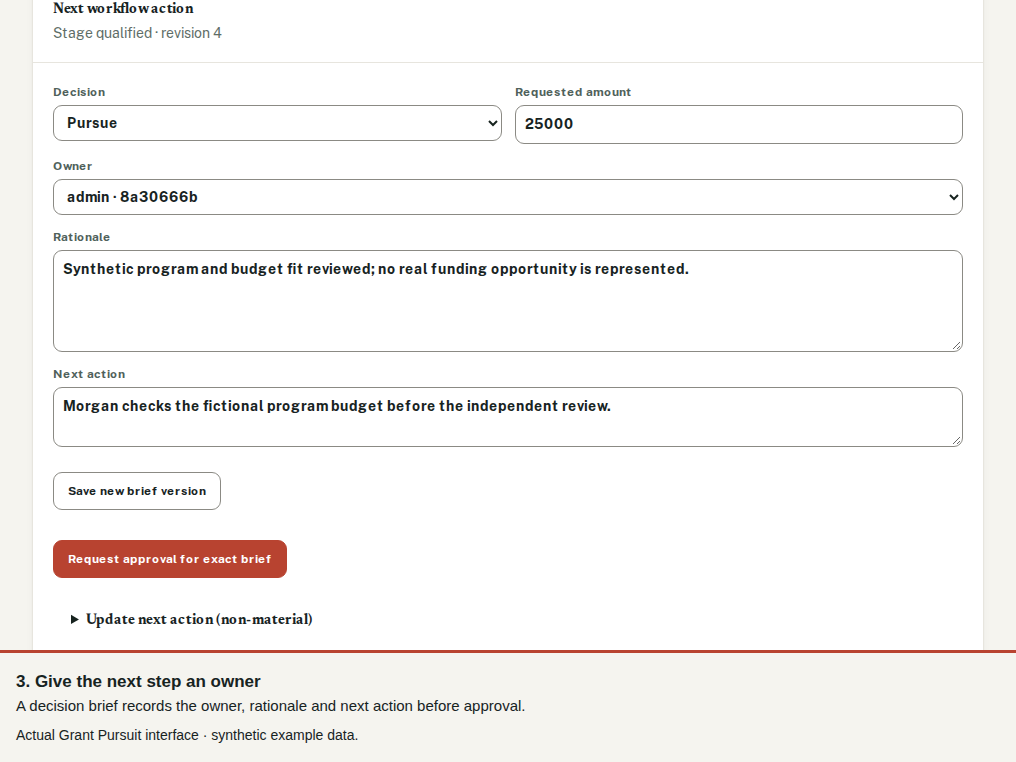
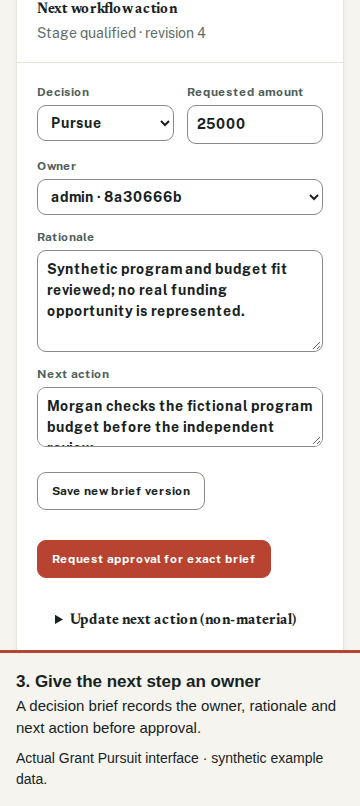
The selected Admin owns this fictional decision brief. Rationale, requested amount and the next action are recorded before the brief is sent for approval.
Open full-size desktop pursuit ownership →Open full-size mobile pursuit ownership →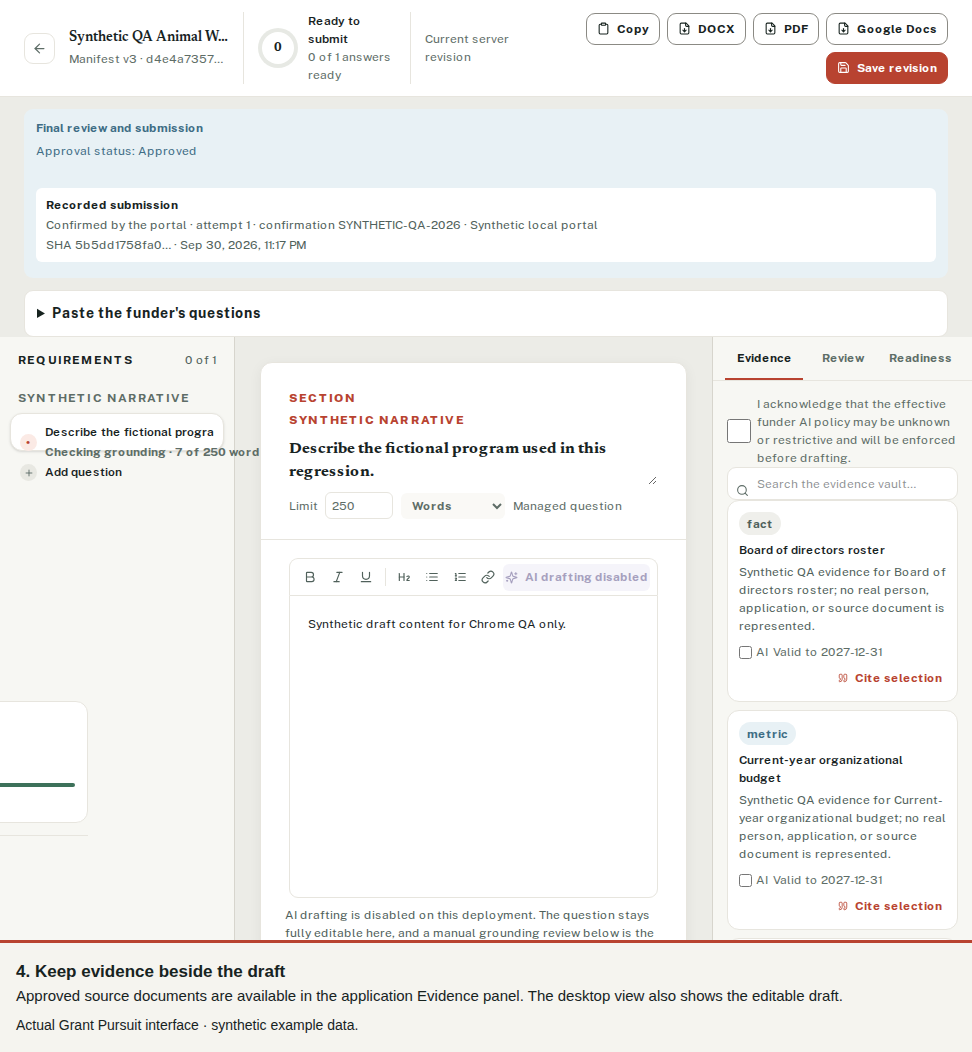
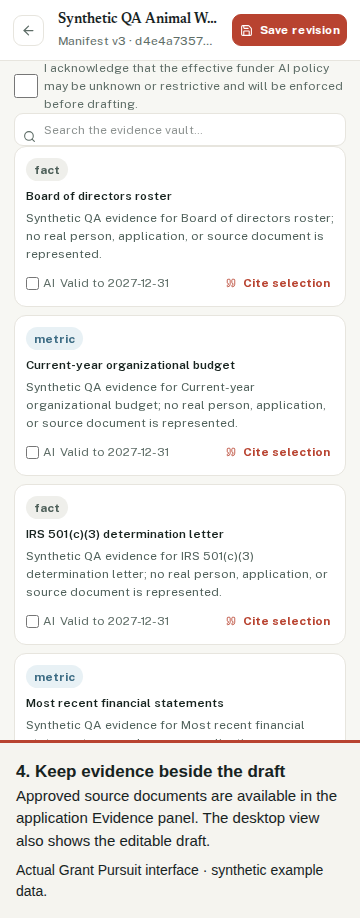
The application keeps approved source material available while a question is edited. AI drafting is disabled in the inspected configuration; the team writes and reviews the content.
Open full-size desktop application evidence →Open full-size mobile application evidence →Approve the revision being reviewed.
Explore application evidence and review →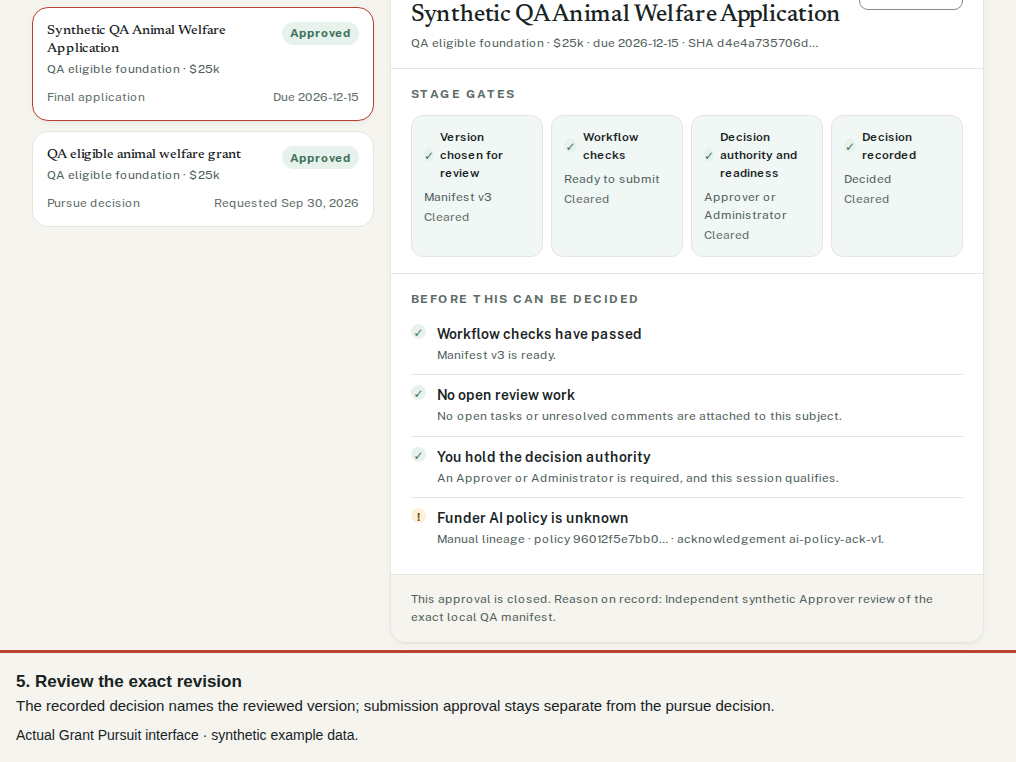
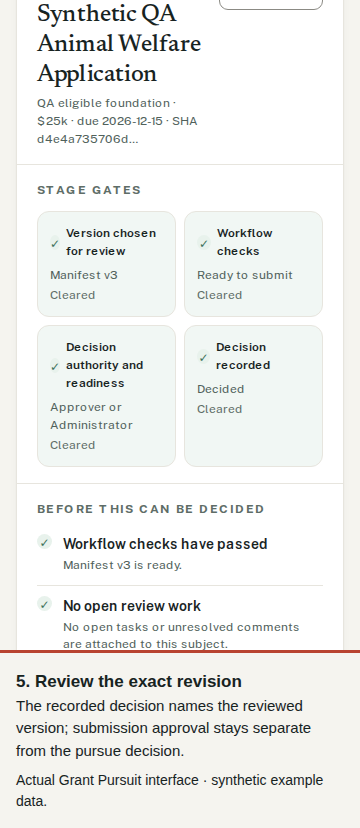
Manifest v3 and its review gates appear in the recorded application decision. A separate authorized Approver reviewed the Admin-authored revision.
Open full-size desktop approval of a defined revision →Open full-size mobile approval of a defined revision →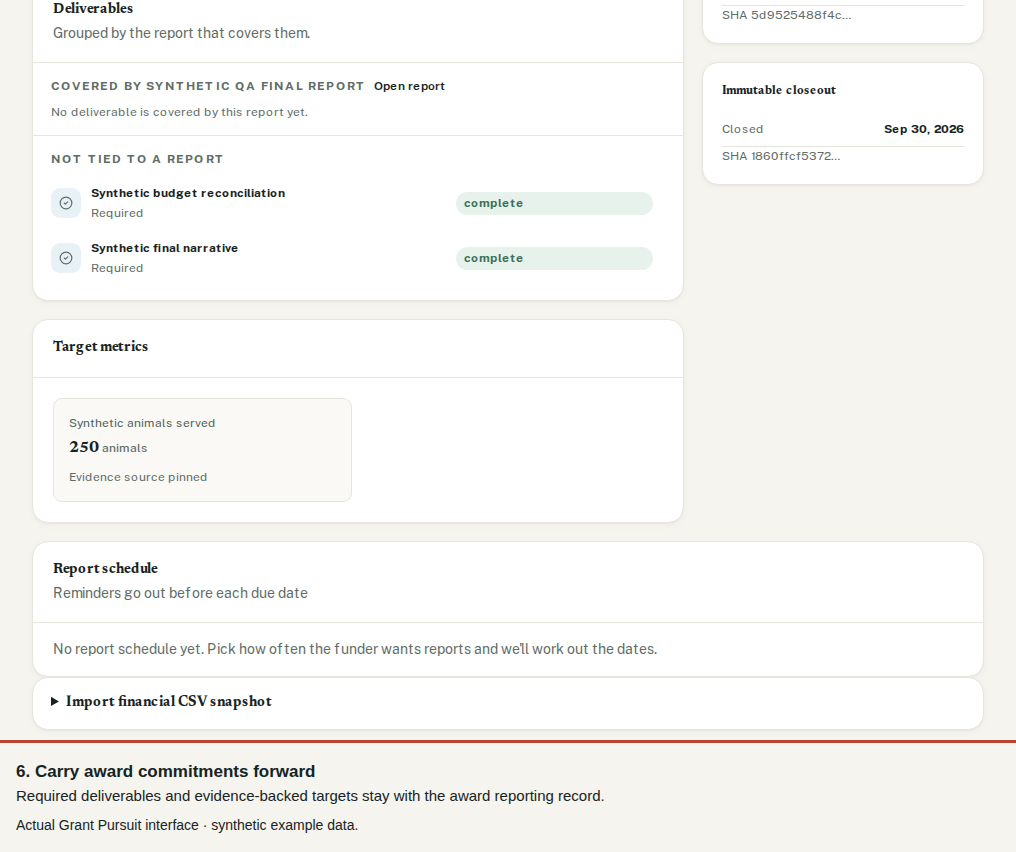
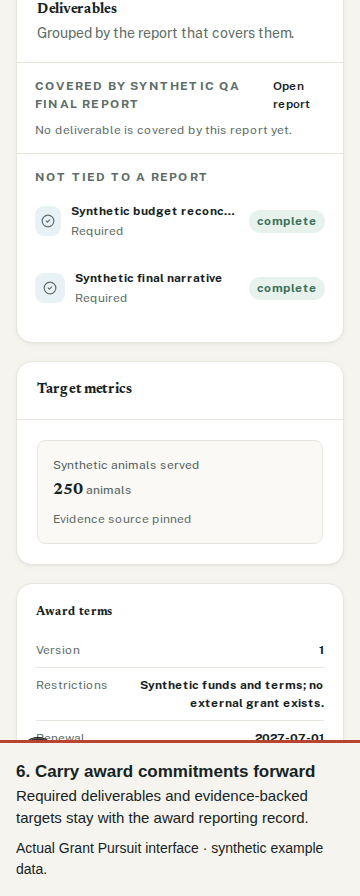
The fictional award brings its report, required deliverables and evidence-backed targets together. Its local fixture also completed export and closeout; no external award exists.
Open full-size desktop award reporting →Open full-size mobile award reporting →Make the next handoff easier.
A pursuit keeps the original opportunity, the fit decision and the people doing the work together. An award adds obligations without losing the application’s context.
Your team makes the call.
A fit score helps prioritize; it is not a funding prediction. Approval belongs to authorized people, and final submission remains with your team.
See application review →Keep uncertainty visible.
A missing criterion stays a question to resolve. A change after approval calls for a fresh review of that version.
Walk through your full grant lifecycle.
Tell us where context gets lost. We can show the path from opportunity to reporting.